
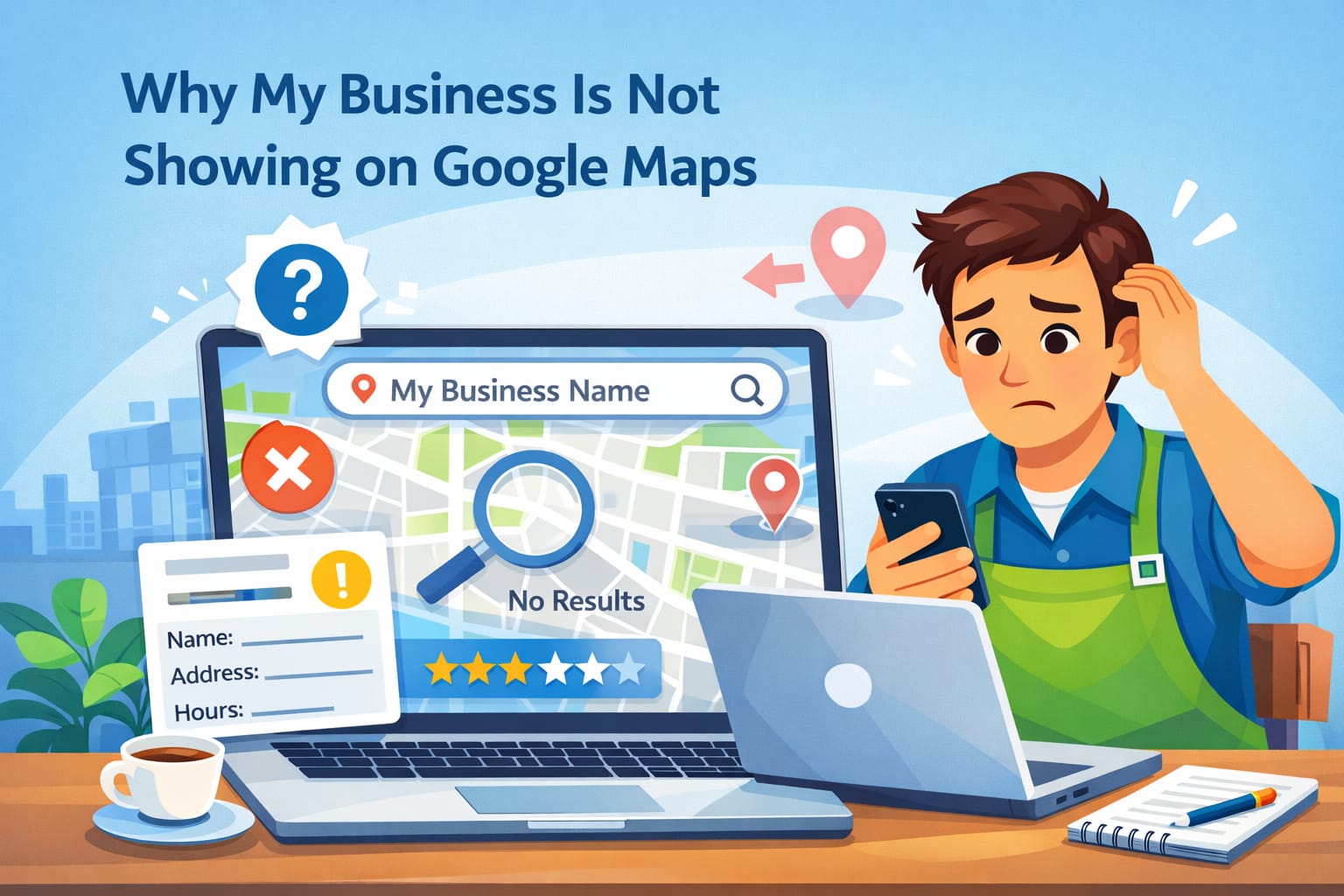
If you have ever searched your business on Google Maps and thought, "Why is my business not showing up on Google Maps?" - you are not alone. In fact, this is one of the most common problems faced by local business owners, which can be frustrating, especially when customers rely heavily on Maps to find nearby services.
Whether your business isn't showing on Google Maps, or it does sometimes but disappears at times, there's always a specific reason for that. The good news? Most of these can be fixed.
Let's think it through,
1. Your Google Business Profile is Not Verified Yet
One of the reasons why your business is not appearing on Google Maps is due to the fact that the Google Business Profile remains unverified. Google does not fully show businesses on Maps unless it confirms that they are real and operating at the location listed. If this is not verified, it simply means Google treats your listing as incomplete or untrustworthy.
The verification is done most usually done through a card or a call. Sometimes, Google sends an email. You may not show up on Google Maps, or could appear erratically, till this is done. That is Google's line of defense to users against fake or misleading listings.
What You Can Do:
Log in to your Google Business Profile dashboard and verify as soon as possible.
2. Your Business Listing is New and Needs Time
If you have recently created your listing, this might be the answer: patience. New listings usually take some time to get indexed and approved by Google's system. This review process helps Google confirm the accuracy of the information provided.
In this stage, many business owners feel like their business isn't showing up on Google Maps, although everything is right. This is completely normal, especially when dealing with new businesses or newly updated addresses. Google may take days or even weeks before your business turns out appropriate.
What You Can Do:
Make sure your profile is 100% complete to speed up the process.
3. Incorrect or Incomplete Business Information
Other major reasons for businesses not showing up on Google Maps are incorrect or missing information. Google relies heavily on accurate details to match search queries with local businesses. Even minor mistakes, such as the wrong pin location or lack of business hours, could impact visibility.
When any inconsistency in your address, phone number, or business name is found, my business does not show up properly in Google Maps searches. Google might get confused and ultimately decide not to show your listing at all. Most especially, such is common whenever the details are across the website, social media, and directories.
Now, the huge question mark that has hovered over these protests since day one: what are their demands? Now, the huge question mark that has been hanging over these protests since day one: what are their demands?
What You Can Do:
Make sure your name, address, and phone number are accurate and exactly the same everywhere online.
4. You've Chosen the Wrong Business Category
The wrong category chosen is a hidden reason why Google Business is not showing up. Google uses categories to decide when and where your business should appear. When your category does not match exactly with what users are looking for, Google simply doesn't show your listing.
For example, if you run a digital marketing agency but choose "Consultant," your business may not show on Google Maps for marketing-related searches. Categories help Google understand what your business actually offers, so accuracy is critical.
What You Can Do:
Primary category selection should be the most relevant, while secondary categories should be added only if they truly describe your services.
5. Your Business is Outside the User's Search Location
Sometimes, the reason your business isn't showing on Google Maps has nothing to do with your profile. Google orders map results by distance, so if someone is searching from far away, your business might not show up even if everything is correct.
This might often happen when one is dealing with service-based businesses without a physical storefront. In such cases, whenever there is no proper definition of service areas, businesses not showing up on Google Maps becomes more common.
What You Can Do:
Clearly define your service areas and optimize your profile with local city and area names.
6. Your Listing is Suspended or Violates Guidelines on Google
If your business was showing earlier but has suddenly disappeared, there is a strong possibility that your listing has been suspended. Google suspends the profiles that, even unintentionally, violate its guidelines. This is one of the most frequent causes of my business does not show on Google Maps.
The most common violations are adding extra keywords to your business name, using a fake address, or having multiple listings for the same business. Once suspended, your business will no longer appear at all on Maps.
What You Can Do:
Check your Google Business dashboard for warnings and appeals after fixing the issue.
7. No Reviews or Low Engagement Signals
Google likes active and trusting businesses. If your profile is without any reviews, photos, or updates, it's very possible that this could be one reason why your business is not showing up on Google Maps, especially in competitive areas.
This shows that Google will assume a business is not as popular or relevant if users are not interacting with your listing. This does not mean reviews are mandatory; it means they strongly influence visibility.
What You Can Do:
Asking customers for honest reviews, replying to them, posting photos, and making regular updates.
8. Poor Local Search Engine Optimization and Website Linkage
Even with the perfect Google Business Profile, if your website is poorly optimized, your business will not appear on Google Maps. Google links your website to your Maps listing as a means of verifying credibility and relevance. If your website has no local keywords, location pages, or consistent NAP details, then my business isn't showing on Google Maps becomes a bigger problem.
What You Can Do:
What Google wants to see is strong local signals across your online presence. You should ensure that your website mentions your city, has a contact page, and matches your Google Business details.
Final Thoughts
If you are standing in front and asking yourself, "Why is my business not showing up on Google Maps?", remember, in the end, visibility depends on trust, accuracy, and activity. Commonly, the reasons for a business not showing on Google Maps come from just minor setup issues, but they are very important.
Verification, information update, activity, and following the guidelines by Google will enhance visibility on the map manyfold. With everything matching, it must start coming up where customers are seeking them.